
Posa Learning centres
Guides for using Posa
Step-by-step help for Posa’s web and mobile apps — products, sales, reports, and your team.
 Web App
How to upload your products on Posa
Add one product at a time in the Posa web app — photos, name, price, stock, and where it should appear. This guide walks through a simple product with no sizes or colours.
 Web App
How to set up wholesale prices on Posa
Sell the same product by piece and by carton — set unit conversions, wholesale prices, and a minimum order quantity while adding the product.
 Web App
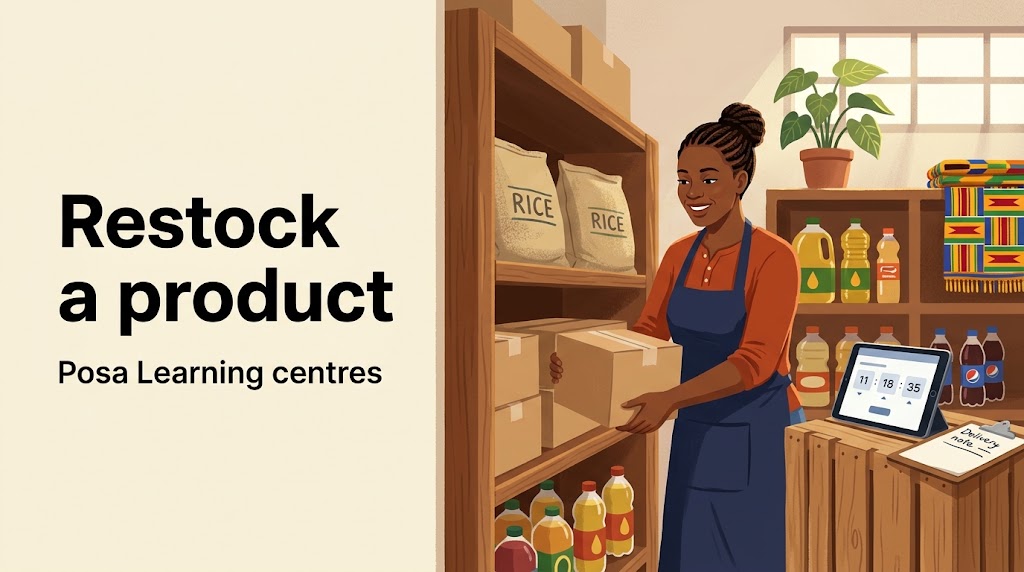
How to restock a product on Posa
Add new stock to a product you already sell — open Restock Product, enter the quantity, and see the stock number go up.
 Web App
How to record a purchase from your vendors on Posa
Record stock that arrived from a supplier — pick the vendor, choose Shop floor if it should go into inventory, and pick up later from a saved draft if you stop halfway.
 Web App
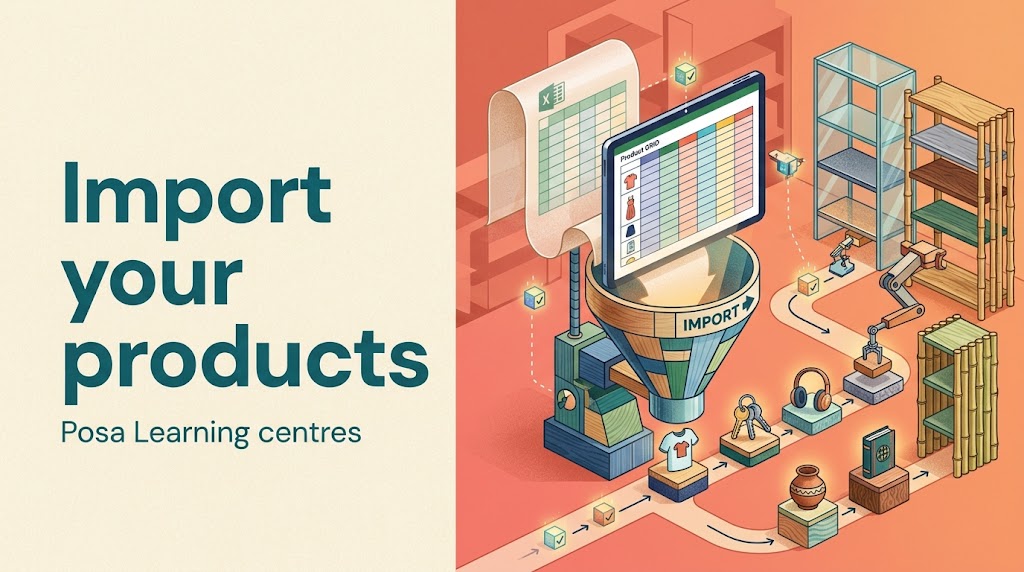
How to import your products in Excel on Posa
Add many products at once from an Excel file — download the sample sheet, fill in your list, then import it in the Posa web app.
 Web App
How to record a sale on Posa
Sell a product in the Posa web app — add it to the cart, choose how the customer paid, and complete the order.
 Web App
How to record an expense on Posa
Log money the shop spent — amount, note, and date — so your expenses show on the Expenses page and in Analytics.
 Web App
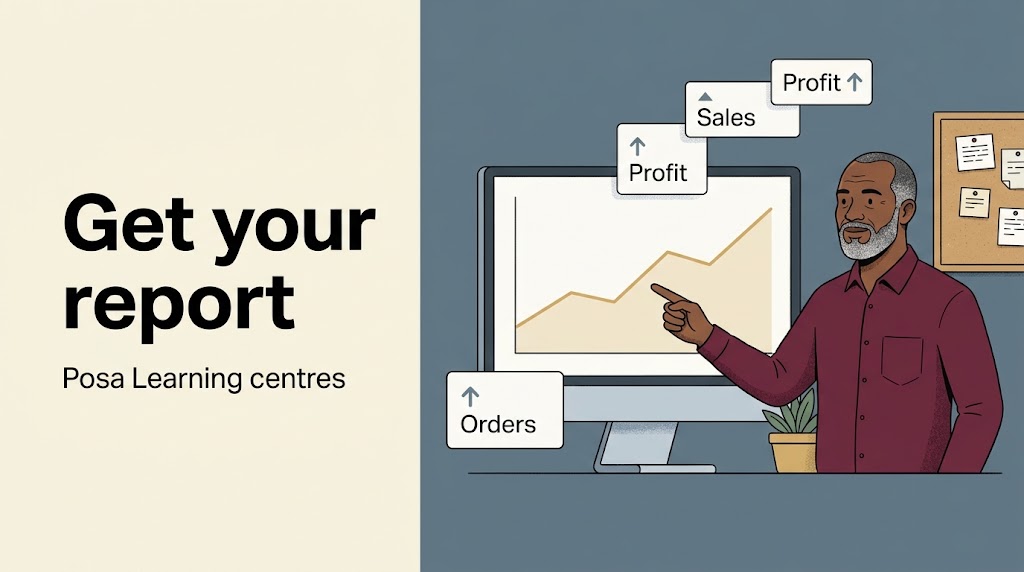
How to get your Profit and Loss report on Posa
Read your Analytics page — sales, expenses, products, and website — so you can see how the shop is doing without exporting a file.
 Web App
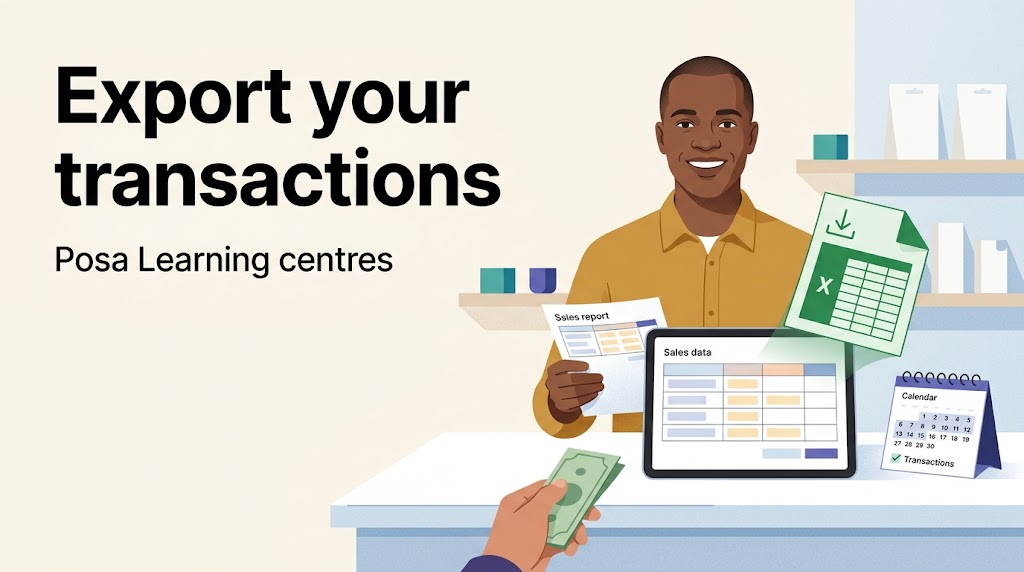
How to export your transactions on Posa
Download your sales as an Excel file — pick a date range on the Transactions page and save the report to your computer.
 Web App
How to add your staff on Posa
Give a teammate their own login — add their name, email, and role on the Staff page so they can record sales without using your account.
 Web App
How to upgrade to a higher subscription plan on Posa
Move from your current paid plan to a higher one — open Subscription, click Upgrade, pay only the difference for the time left, and see Current Plan move to the new plan.
 Web App
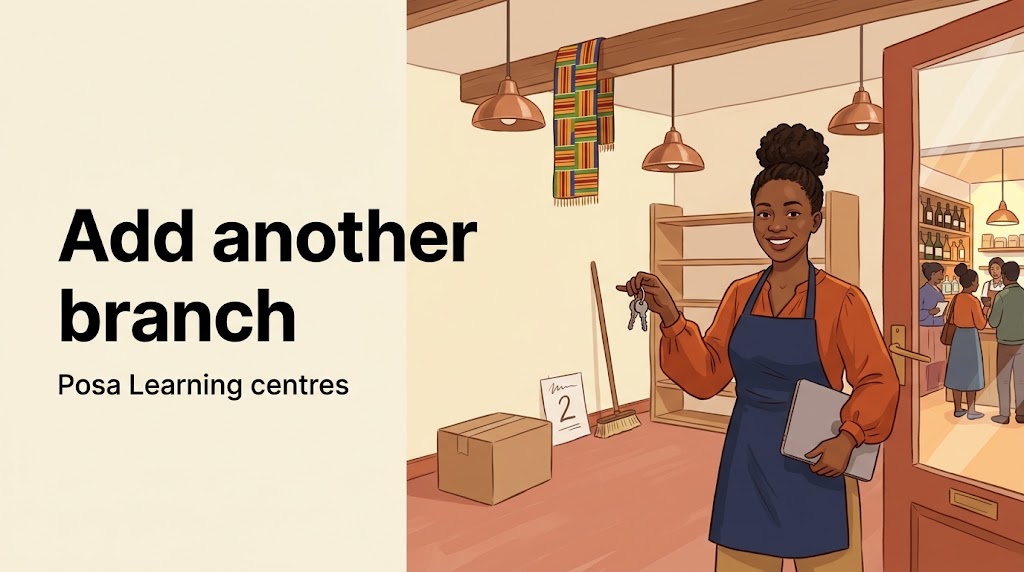
How to add another business branch on Posa
Add a second business branch — click Add new business, fill in the new branch, then switch between branches from the top bar.
 Web App
How to purchase Extra Business on Posa
Buy an Extra Business add-on when your plan has no free branch left — then add the new branch with Add new business.
 Web App
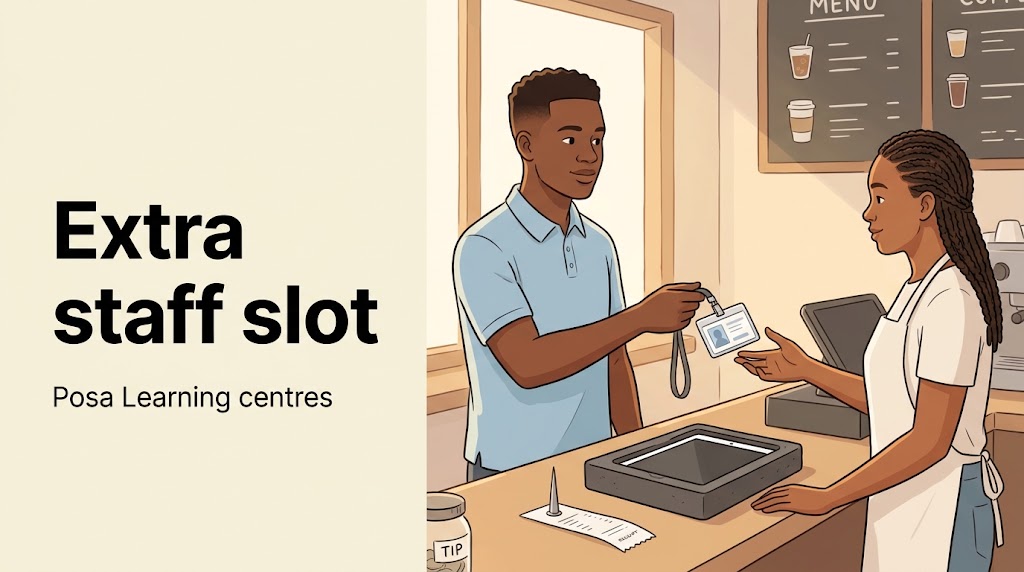
How to purchase Extra User (extra staff) on Posa
Buy an Extra User add-on when your plan has no free staff slot left — then add the person with Add new staff.
 Web App
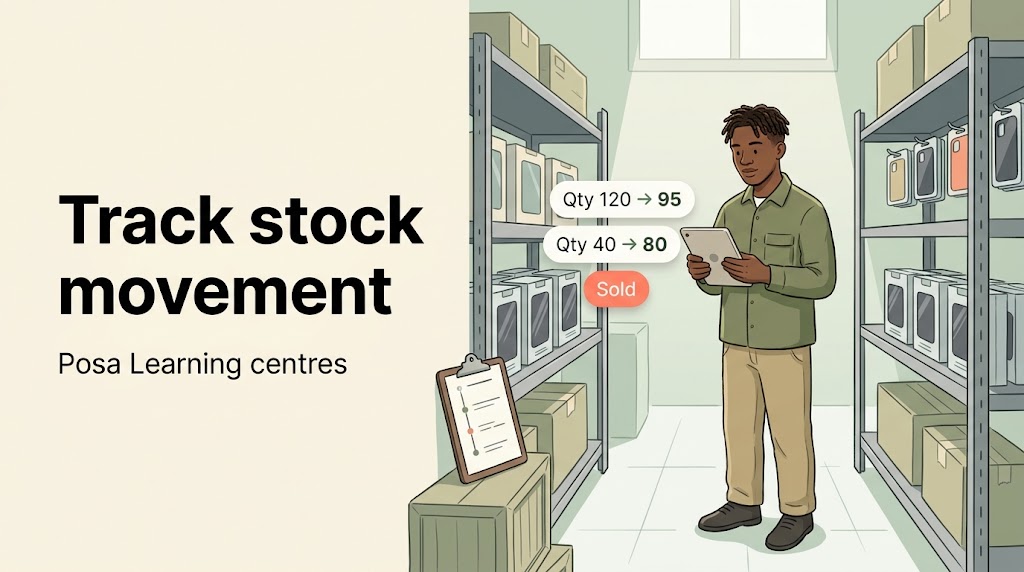
How to track your inventory movement on Posa
Use Change history to see every price and stock quantity update across products — filter by product, variant, change type, and date, or open one product’s update history.
 Web App
How to earn money as you refer businesses on Posa
Share your referral link, track pending and successful businesses, earn 10% commission for two years, and request a payout when you hit the threshold.
 Web App
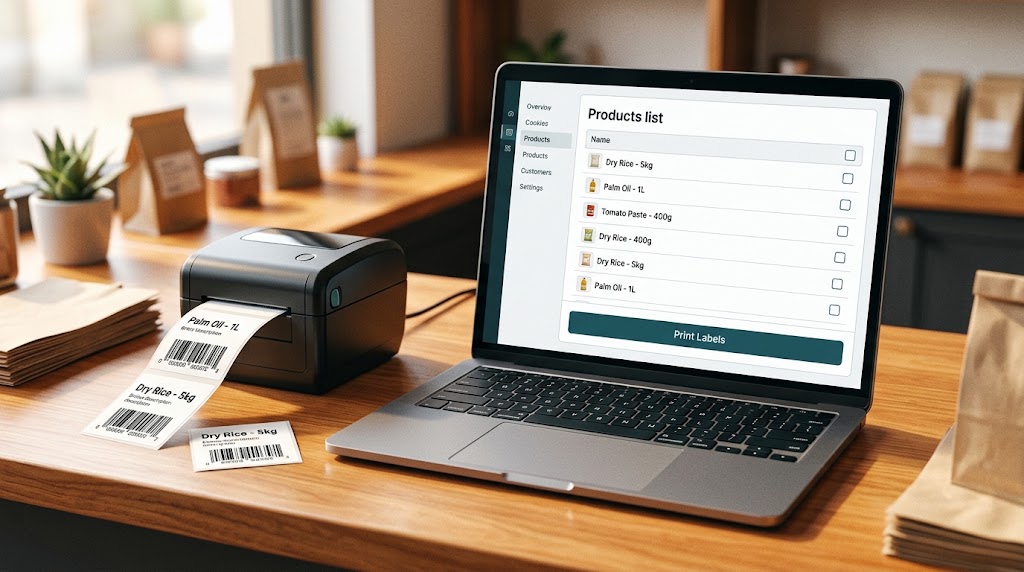
How to print barcode on Posa
Select products, then download a barcode PDF or print stickers on an 80mm, Zebra, thermal, or A4 label printer.
 Web App
How to buy a theme or use the Free one
Browse the Themes catalog, claim a free design or buy a paid one, then set it live on your online store.
 Web App
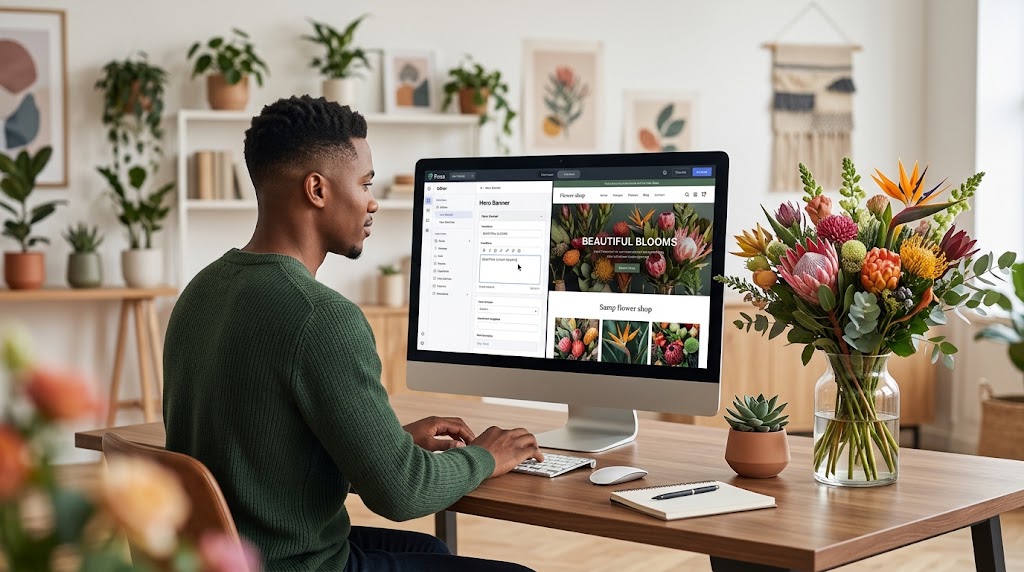
How to customise your theme
Open Website Builder, edit page sections such as the hero banner, hide what you do not need, save, then preview your live look.
 Web App
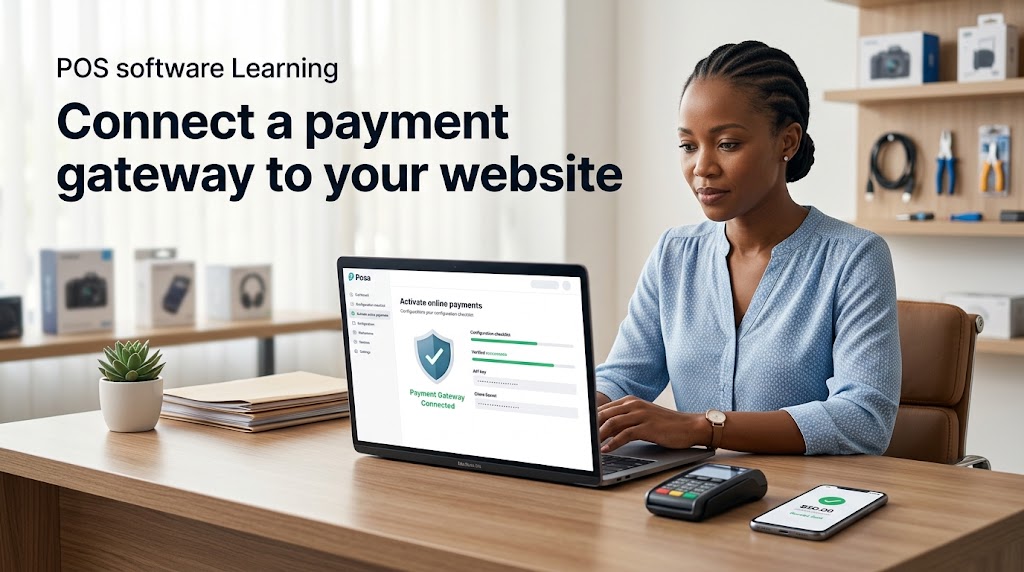
How to connect a payment gateway to your website
Complete Online Payments KYC as the business owner, then activate the gateway so customers can pay on your Posa website.
 Web App
How to buy a domain name or connect one you own
Replace your getposa.shop address: buy a new domain through Posa, or point a domain you already own at your store.
 Web App
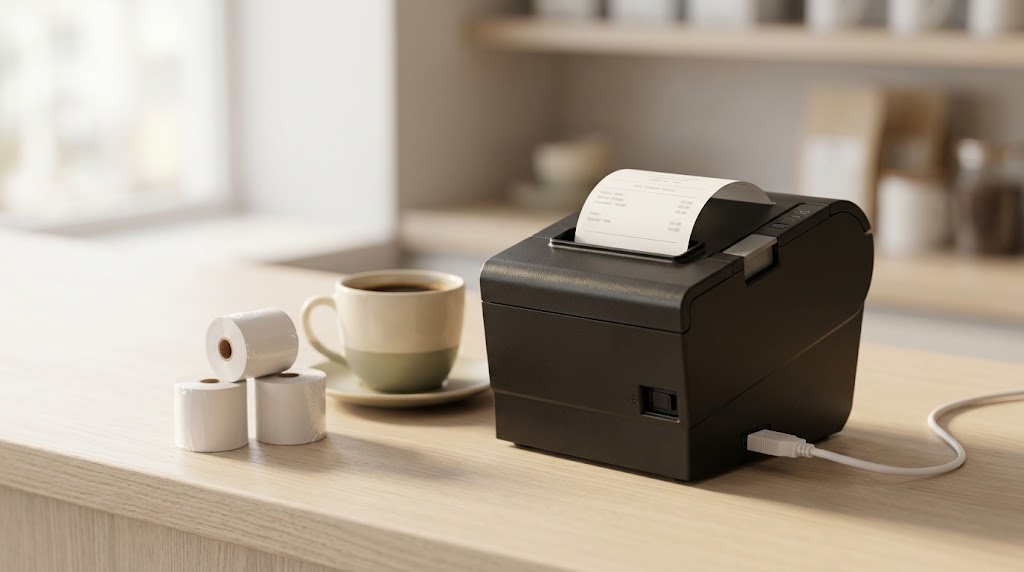
How to set up an 80mm USB thermal printer on Windows
Install the MHT or Xprinter Windows driver, set 80mm paper size, then print receipts from Posa over USB.
 Mobile App
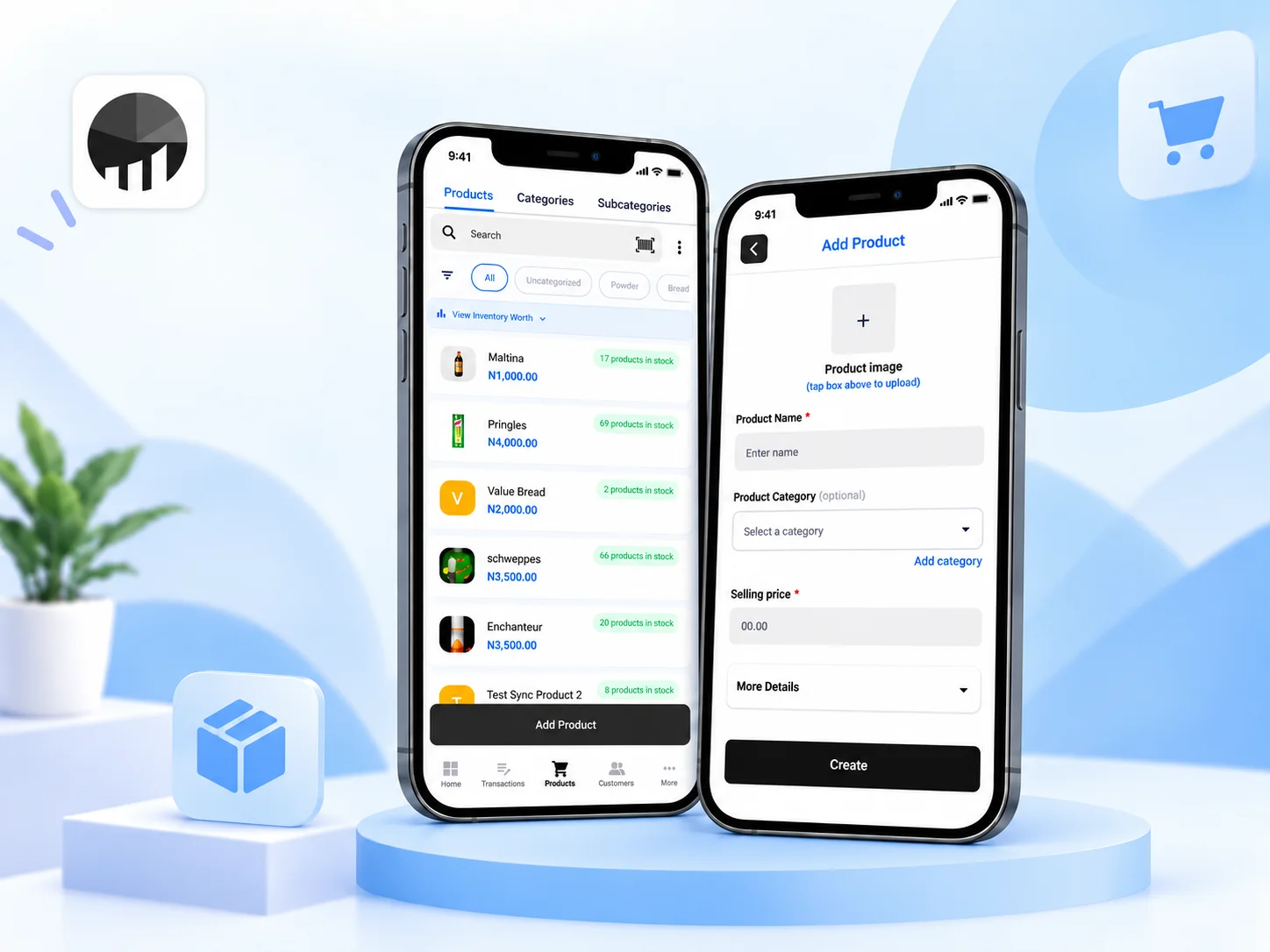
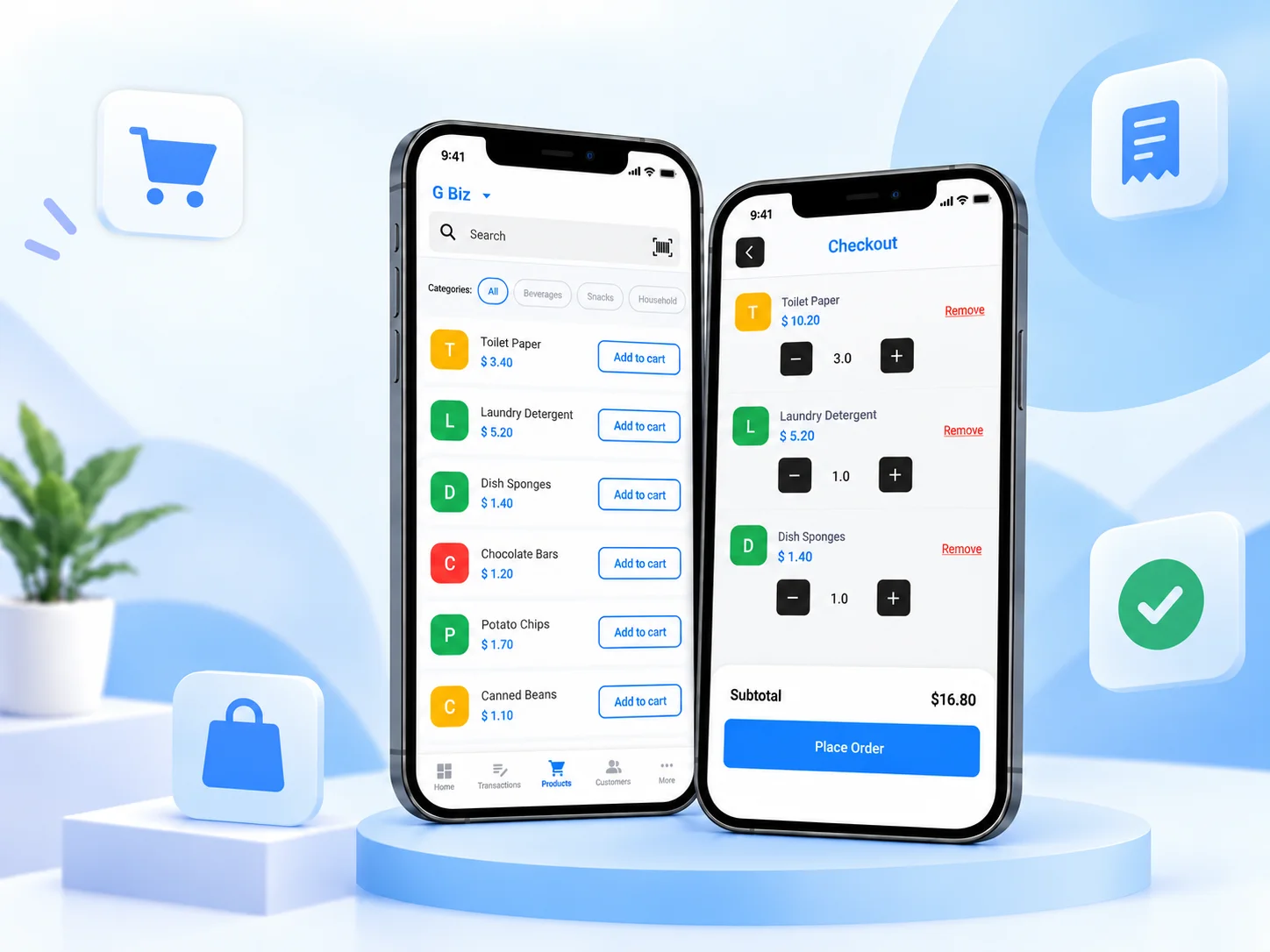
How to upload your products on the Posa mobile app
Upload product to Posa from your phone — enter the name and selling price, include any extra details you need, then add the product to your inventory.
 Mobile App
How to record a sale on the Posa mobile app
Record a sale from your phone — add an item to the cart, review the checkout, choose payment details, and complete the order.
 Mobile App
How to add your staff on the Posa mobile app
Give each staff member their own Posa login from your phone — add their details, choose their access, and create their staff account.
 Mobile App
How to import your products in Excel on the Posa mobile app
Add products in bulk from your phone — download the Posa Excel template, fill in your product list, then upload and import it.
 Mobile App
How to track your inventory movement on the Posa mobile app
See price and quantity changes from your phone — open Change History to review what changed, when it changed, and who updated it.
 Mobile App
How to restock an item on the Posa mobile app
Add new stock to an existing product from your phone — review its prices, enter the quantity received, and update your inventory.
 Mobile App
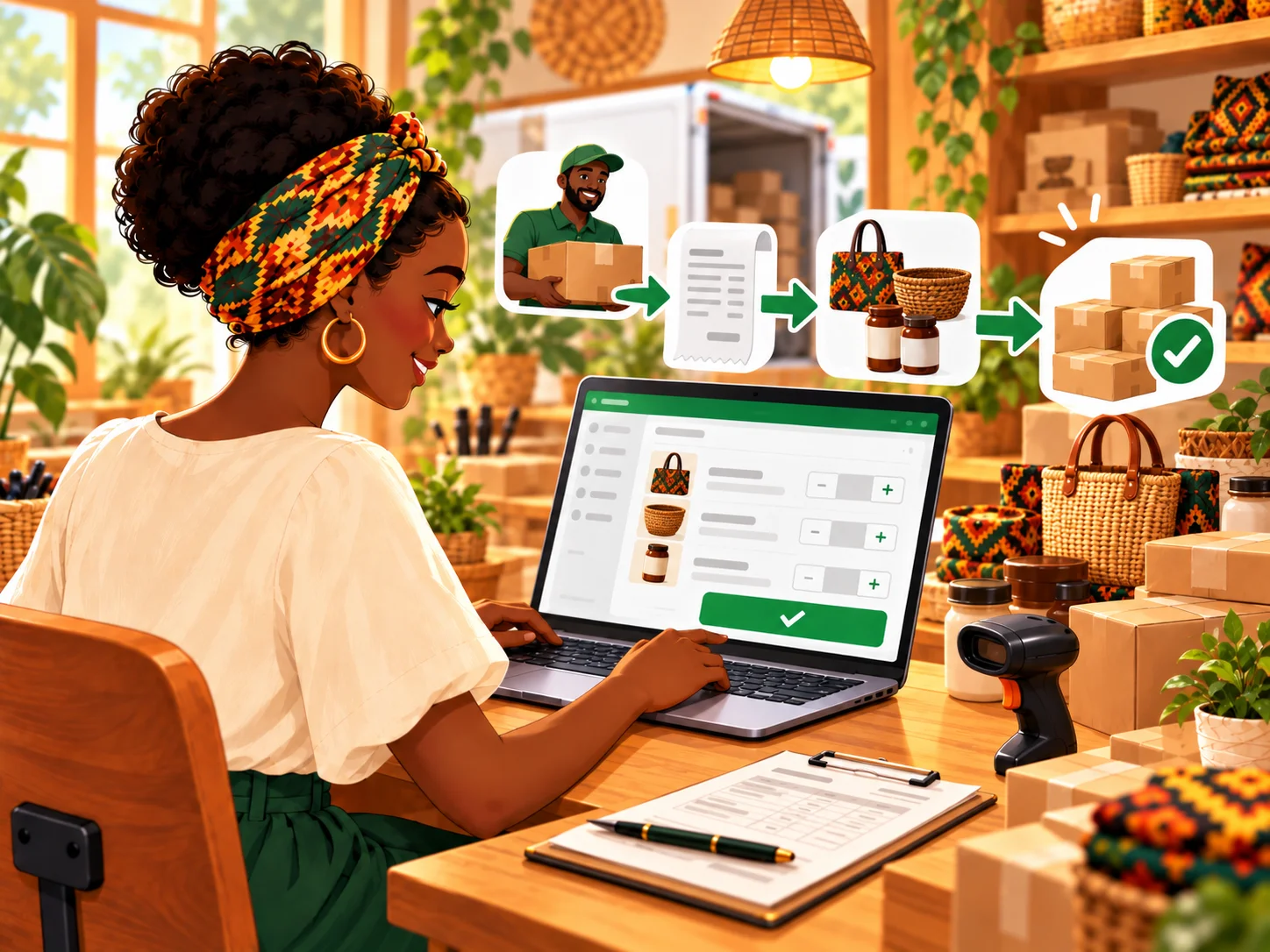
How to record a purchase from your vendors on the Posa mobile app
Record stock purchased from a vendor on your phone — add the purchase details, enter each product, review the summary, and submit it.
 Mobile App
How to upgrade to a higher plan on the Posa mobile app
Move to a higher Posa plan from your phone — choose the plan, review the upgrade cost, and complete the payment.
 Mobile App
How to add an extra business on the Posa mobile app
Buy an Extra Branch add-on from your phone — add the branches you need to the cart, complete payment, and activate the extra capacity.
 Mobile App
How to add an extra staff to your account on the Posa mobile app
Buy an Extra Staff add-on from your phone — choose the number of staff slots you need, complete payment, and activate the extra capacity.
 Mobile App
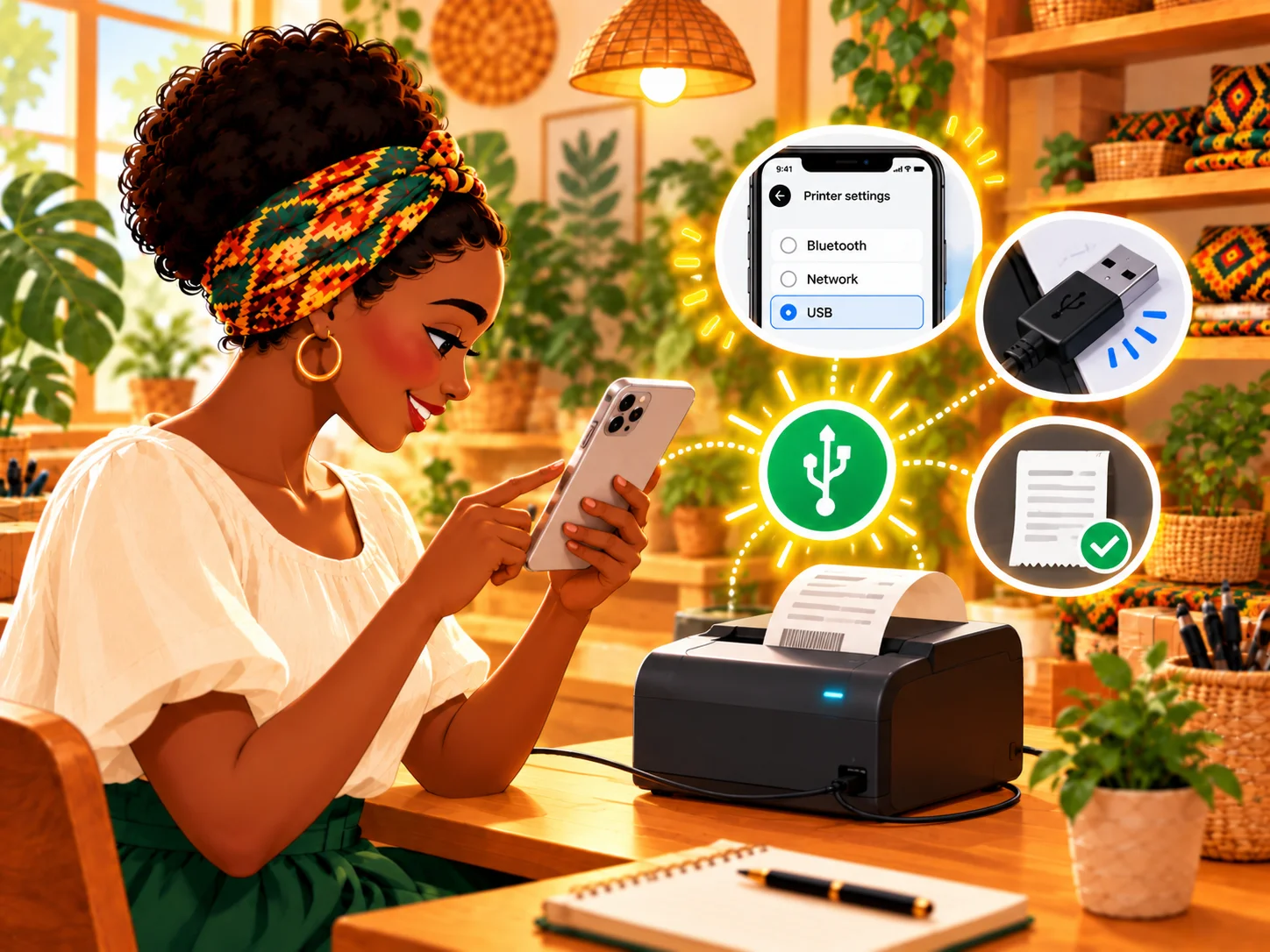
How to set up a Posa USB thermal printer on the mobile app
Connect your Posa USB thermal printer to the mobile app over Bluetooth, then select it as your default printer for receipts.
 Mobile App
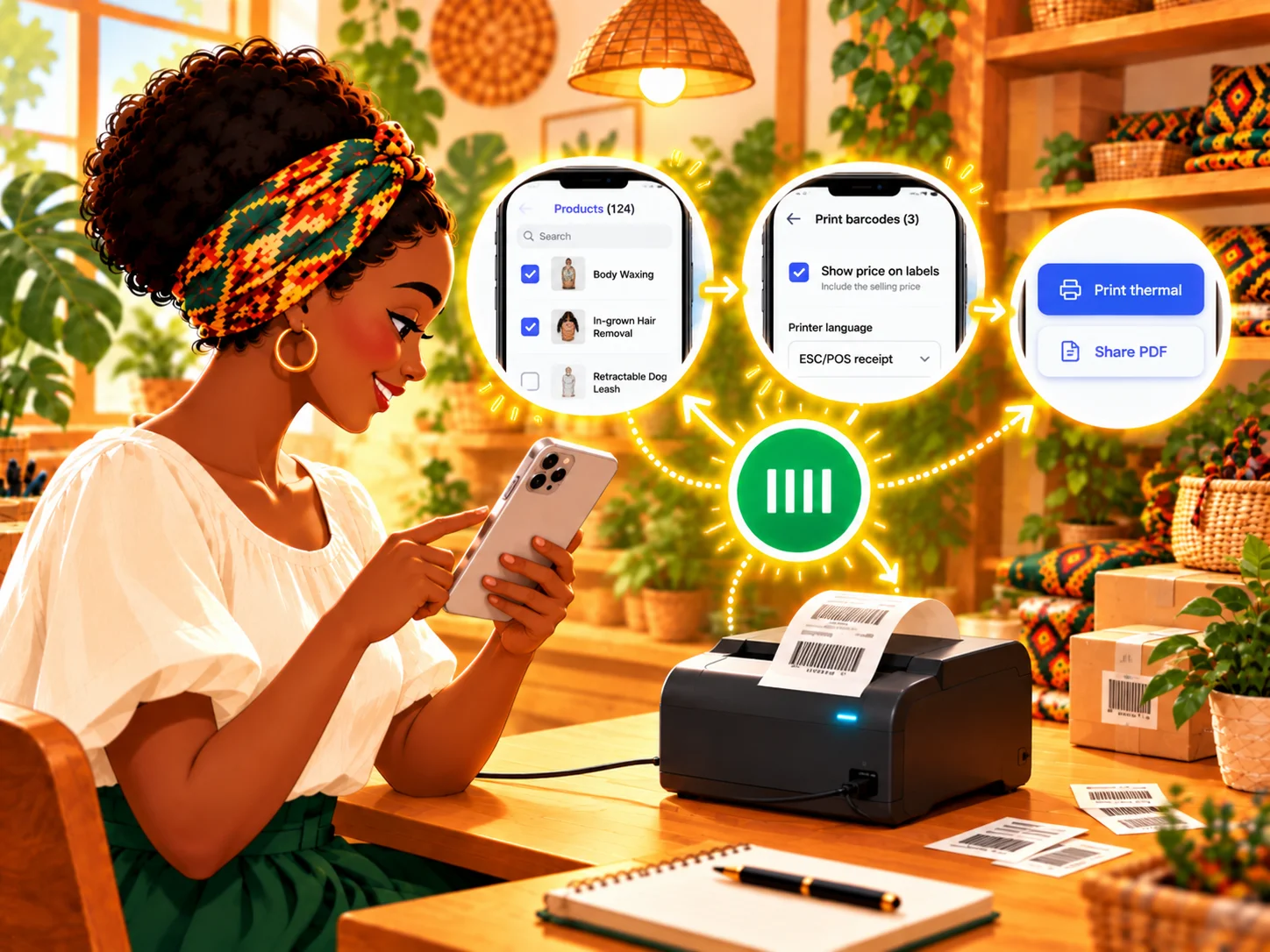
How to print barcodes on the Posa mobile app
Select products from your phone, customise their barcode labels, then print them with a thermal printer or share them as a PDF.
 Mobile App
How to earn money as you refer businesses on the Posa mobile app
Share your unique Posa referral code or link from your phone, earn 10% when referred businesses subscribe, and track their progress.
 Mobile App
How to get your business reports on the Posa mobile app
Review sales, profit, inventory value, top-selling products, category revenue, and website activity from your phone.
 Mobile App
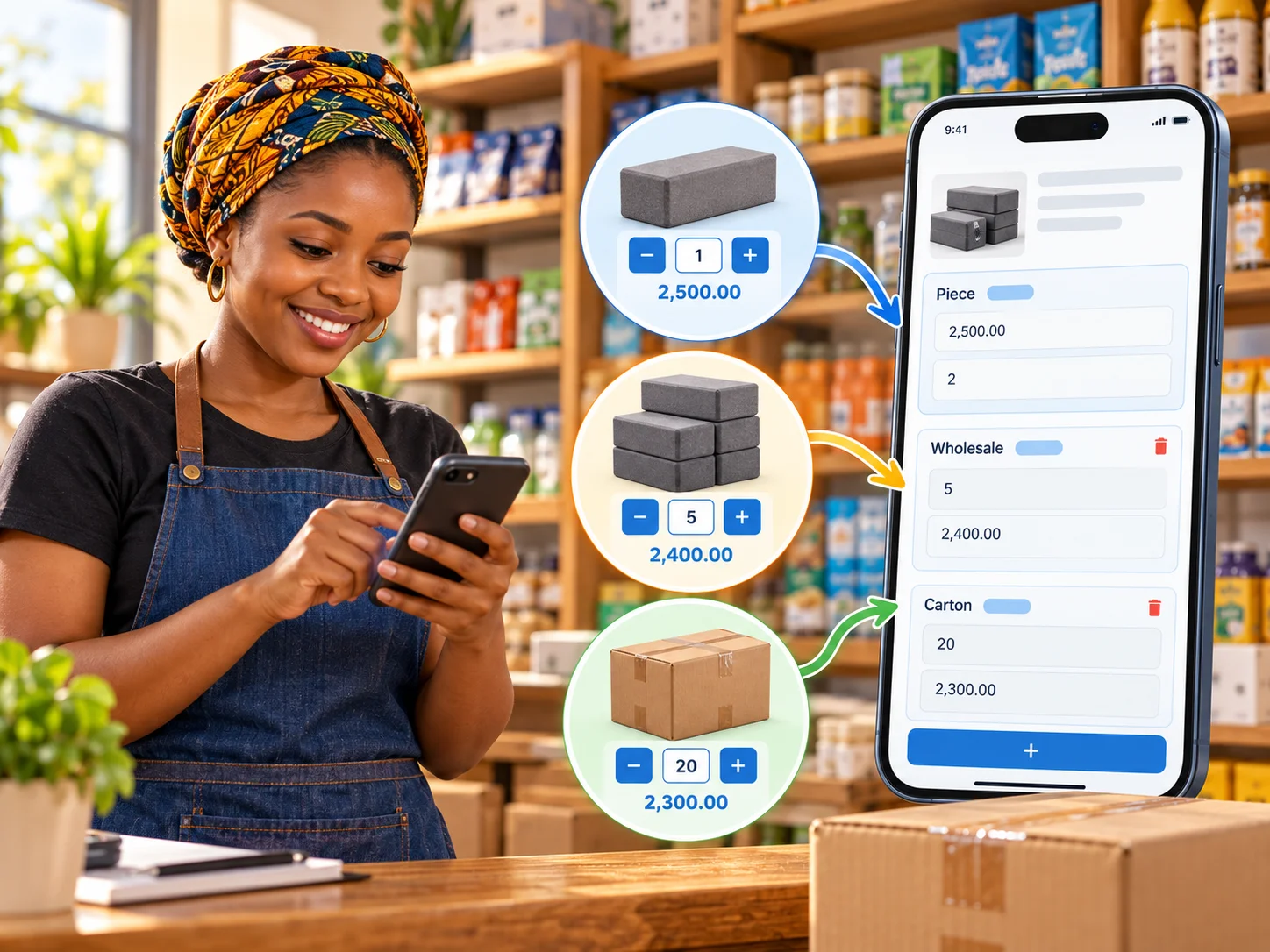
How to set up wholesale prices on the Posa mobile app
Sell the same product by piece, wholesale quantity, or carton by setting unit conversions and a price for each option from your phone.
 Mobile App
How to build a website on Posa
Build your business website from the Posa mobile app — start with your domain, then choose a theme, customise it, and connect payments.